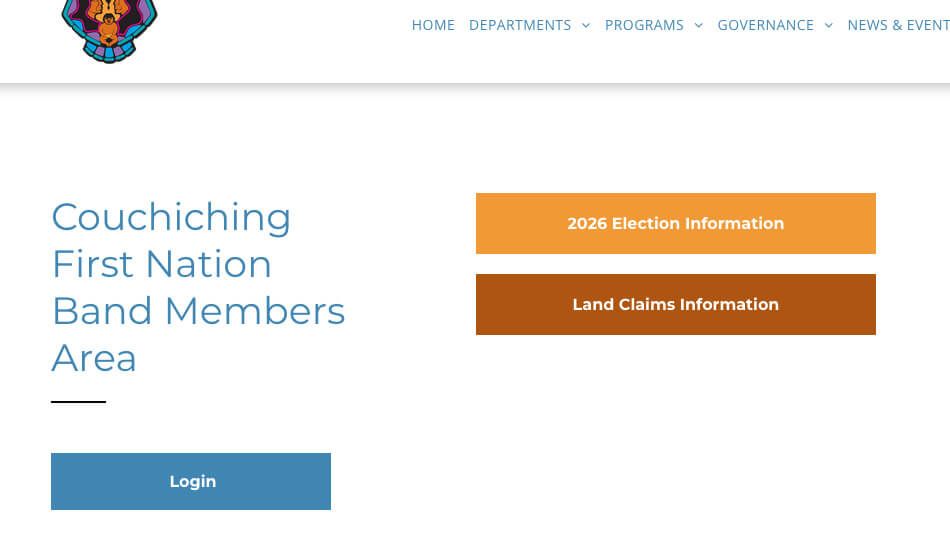
Band Member Portal Access
Step-by-Step Instructions
Step 1
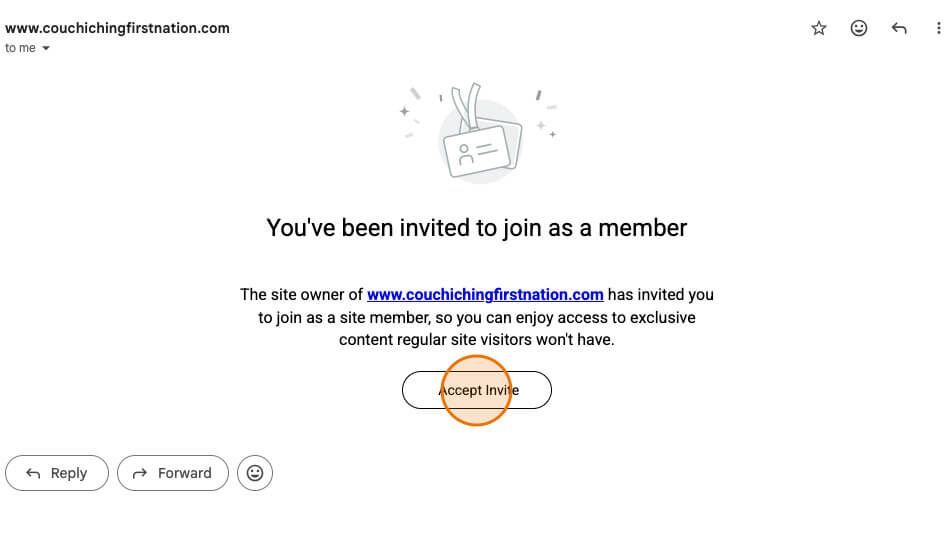
You will receive an Email with the Subject line “Your members-only invite is here”.
Open this email and click “Accept Invite”
Step 2
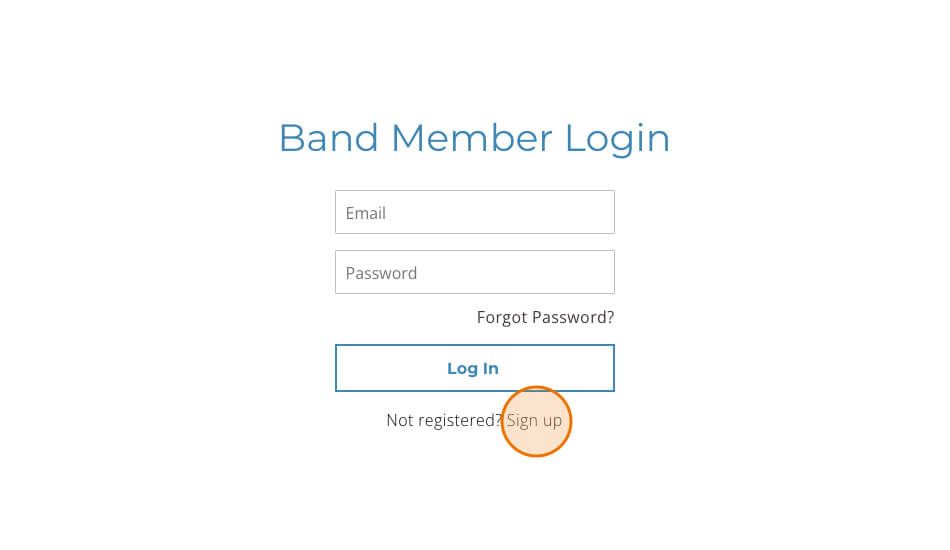
This will direct you to the “Band Member Login” page on the website. Click the “Sign up” at the bottom.
Step 3
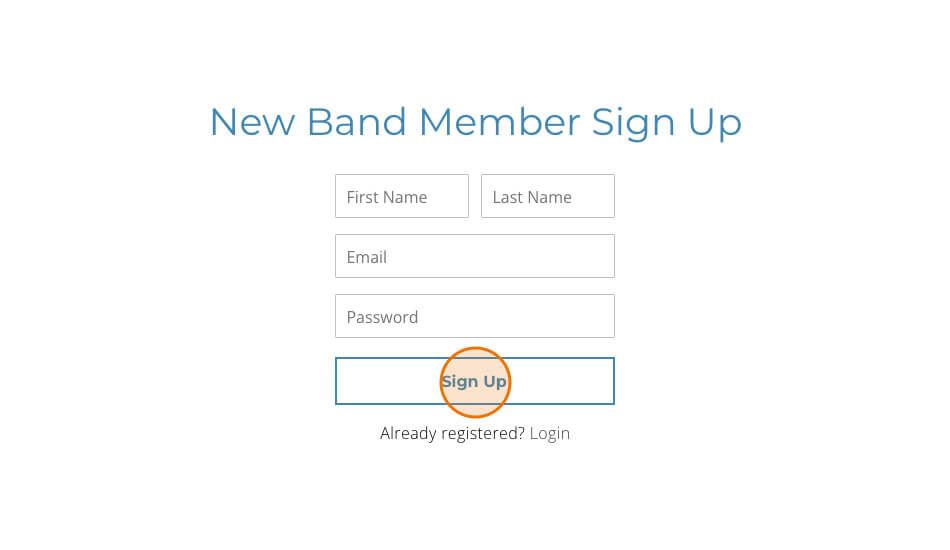
Complete the form with your information and click “Sign Up”. Remember to SAVE your password somewhere secure. When all the information has been filled out, click on the box “Sign Up”. You will be redirected to the Homepage.
Step 4
Once on the Homepage, scroll to the bottom and click “Band Member Login”.
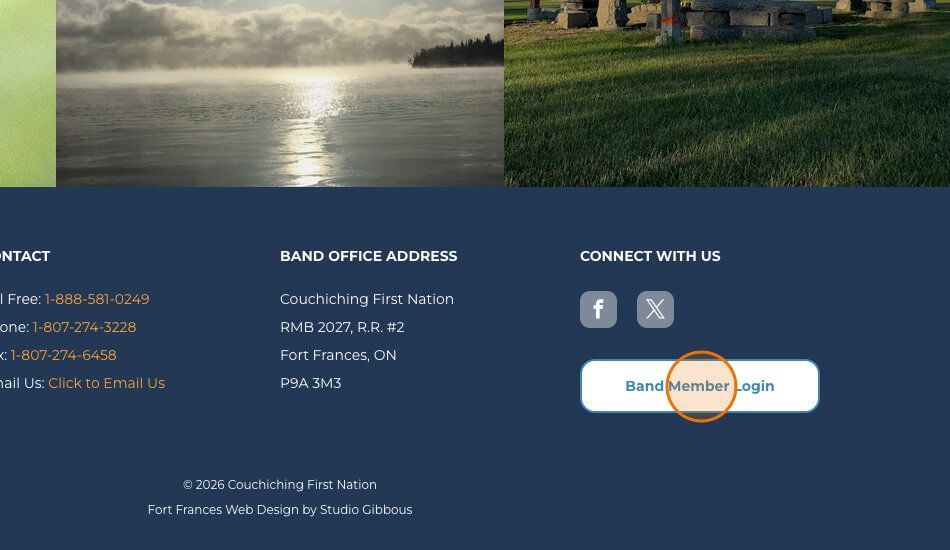
Step 5
On the Band Members Login page, Click the “Band Member Login” Button.
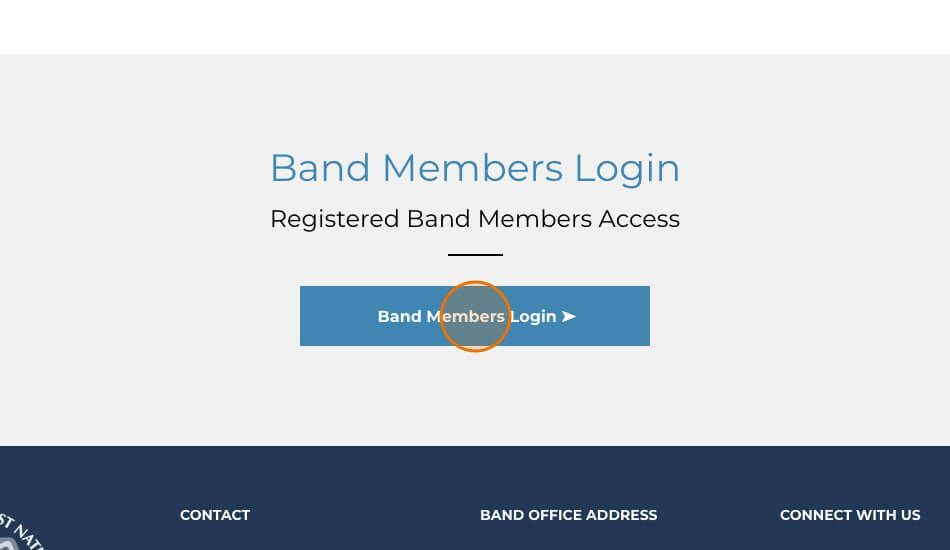
Step 6
Enter your email address and the password you just created and Click “Login In”.
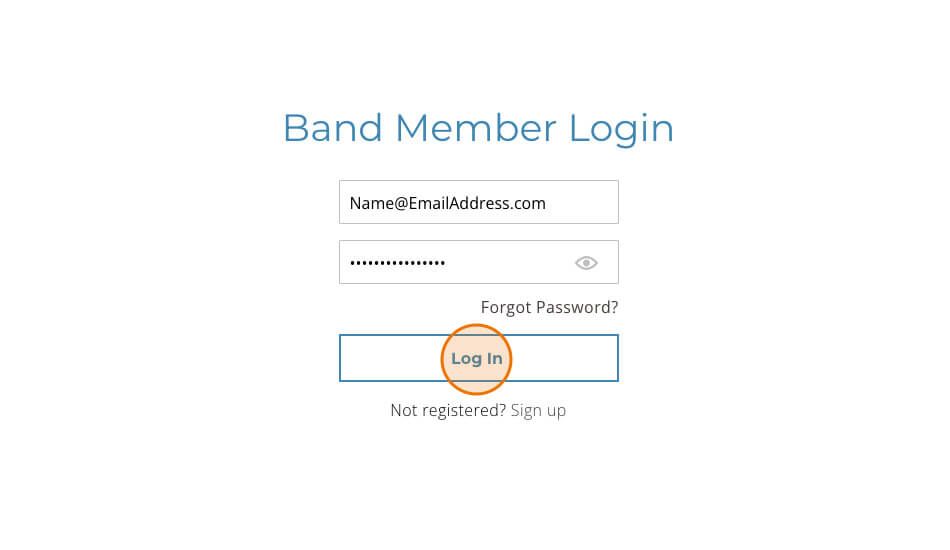
Step 7
Click on any section button to access the information on that page.